Links are not yet activated.
Is this your press release? Add a link to submitpr.org on your website and verify it — activation is instant and free.
Or upgrade with KIN for permanent activation (from $19.95).
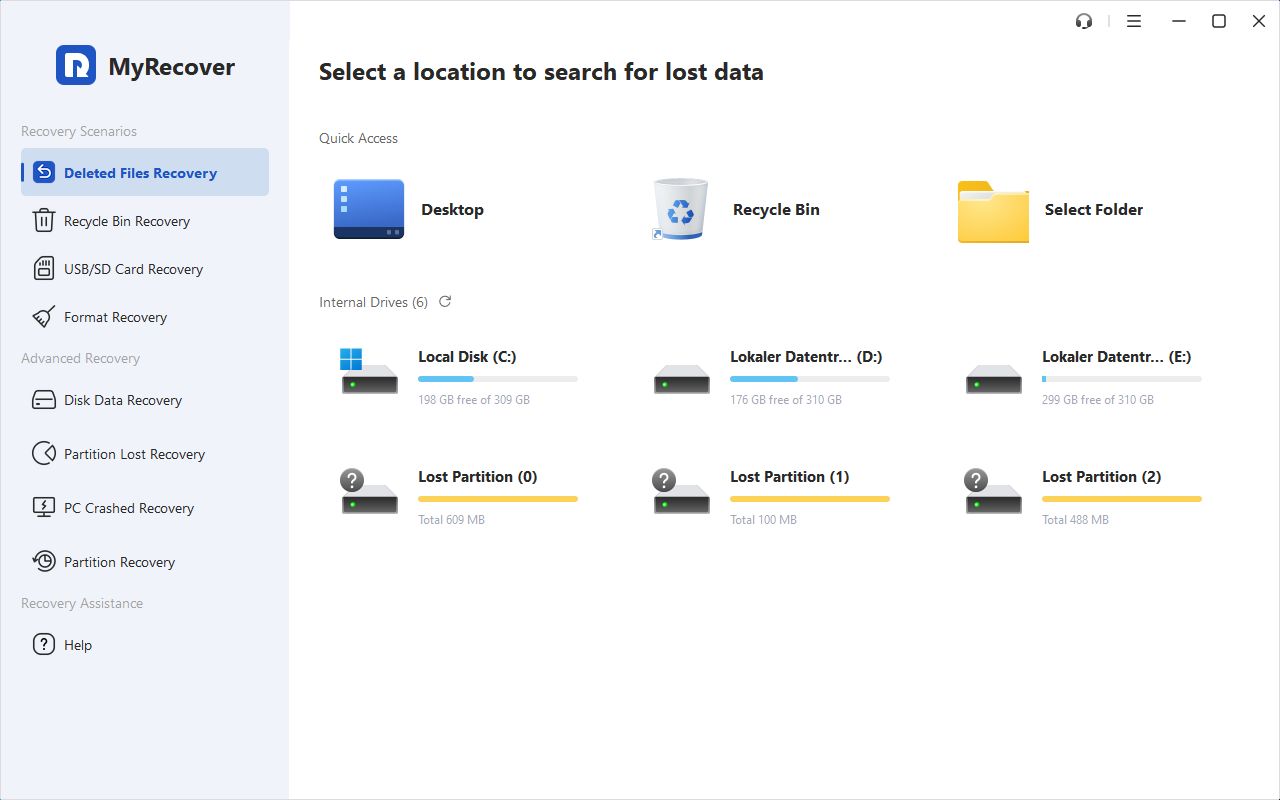
Accidentally deleting an important folder or emptying the Recycle Bin can leave users searching for a way to retrieve their files. MyRecover helps Windows users scan supported storage devices and locate recoverable data through a straightforward visual interface.The software addresses common situations including accidental deletion, Shift+Delete operations, and file loss after formatting. It supports internal and external hard drives, SSDs, USB flash drives, and SD cards.
A Guided Recovery Process:
MyRecover organizes recovery into three steps: select a location, scan for lost files, and restore the selected items. Quick Scan and Deep Scan options help users search for recoverable data in different circumstances.
Search and filtering tools narrow results by details such as file name, type, size, and modified date. File previews help users check supported files before choosing what to recover.
Support for Everyday File Types:
MyRecover supports more than 1,000 file types, including office documents, photos, videos, audio files, and archives. This makes it relevant to users retrieving work documents, personal media, or files stored on portable devices.
For example, users who accidentally remove photos from an SD card or delete documents from a USB drive can scan the affected device and review the results.
Practical Steps After File Loss:
Recovery results depend on the condition of the device and whether deleted data has been overwritten. Users should stop saving new files to the affected drive and restore recovered items to a different storage location.
These precautions help reduce the risk of overwriting data during the recovery process.
Free and Paid Editions:
MyRecover offers Free, Professional, and Technician editions. The Free edition currently allows recovery of up to 500 MB of data, while paid editions provide higher recovery allowances and additional capabilities.
To learn more about supported recovery scenarios and available editions, visit https://www.myrecover.com/
About MyRecover:
MyRecover develops data recovery software designed to help users retrieve deleted and lost files. Its Windows software combines scanning, search, filtering, and recovery tools in an interface accessible to users without specialist technical knowledge.