Links are not yet activated.
Is this your press release? Add a link to submitpr.org on your website and verify it — activation is instant and free.
Or upgrade with KIN for permanent activation (from $19.95).
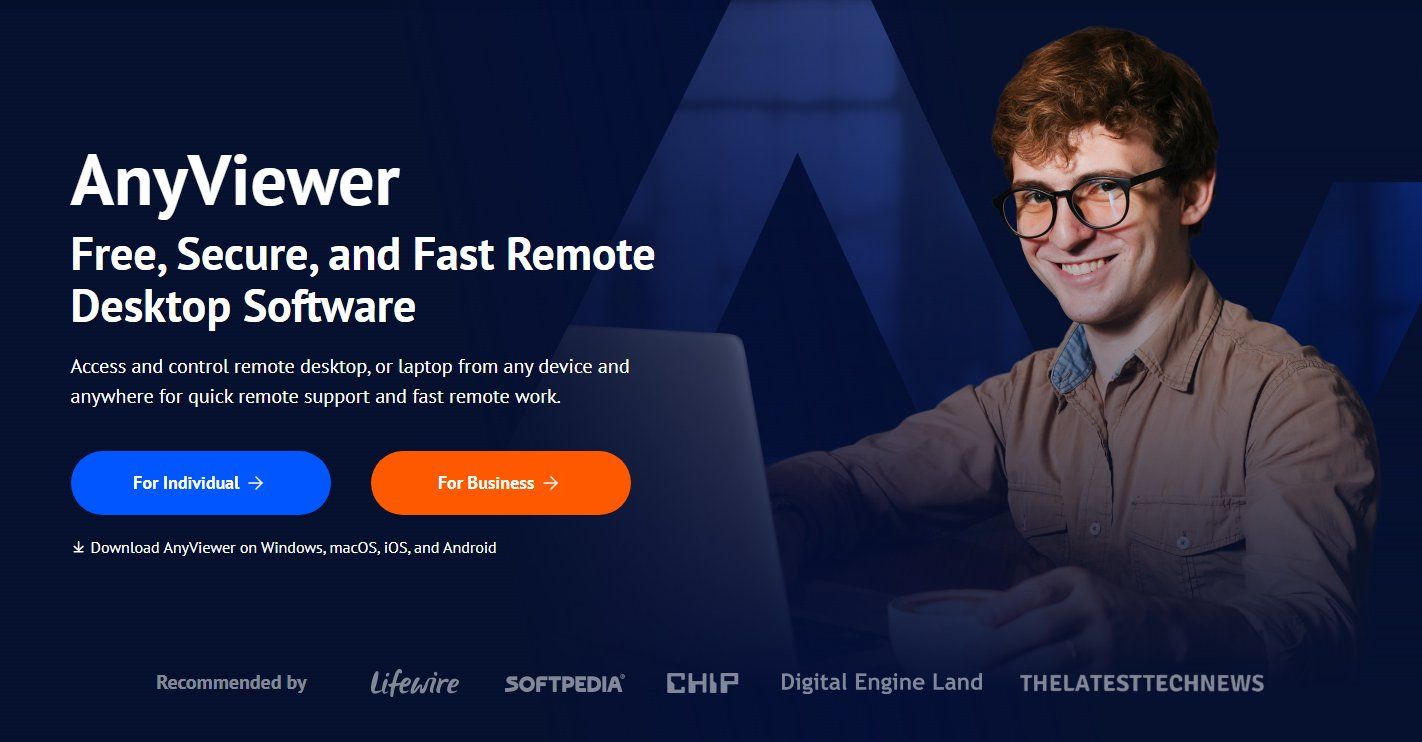
Accessing a work computer while traveling or helping someone resolve a technical problem can be difficult when the devices are in different locations. AnyViewer provides remote desktop software that allows users to connect to supported computers, operate applications, and transfer files over the internet.The platform serves individuals, remote workers, and IT support teams, with applications available for Windows, macOS, iOS, and Android. Connection capabilities vary by platform.
Access Computers Away from the Office
AnyViewer helps users connect to a remote computer to work with applications and documents stored on that device. For computers configured in advance, unattended access allows authorized users to connect without requiring someone at the remote location to approve each session.
For example, a worker traveling with a laptop can access files or software on an office computer without moving the entire working environment to another device.
Provide Technical Support from a Distance
Remote control and in-session chat help support staff investigate problems while communicating with the person receiving assistance. Technicians can view the remote desktop and guide users through troubleshooting tasks.
Depending on the selected plan, support teams can work with multiple sessions and view remote monitors in separate windows.
Transfer Files Between Devices
AnyViewer includes file transfer tools for moving documents and other materials between local and remote computers. Users can retrieve a file left on another device or send resources needed during a support session.
Mobile access also gives users a way to connect to supported computers from a phone or tablet when a desktop device is unavailable.
Options for Individuals and Teams
AnyViewer offers Free, Professional, and Enterprise plans with different device allowances and session capabilities. Paid features include privacy mode, which can black out the remote computer’s physical screen and disable local input during a session.
Enterprise options include device grouping, mass deployment, and role permission management to help administrators organize access across a team.
Users can compare platform compatibility, features, and current plans at https://www.anyviewer.com/
About AnyViewer
AnyViewer develops remote desktop software for remote access, technical support, and file transfer. It helps individuals and organizations connect to computers in other locations for everyday work and device assistance.