Links are not yet activated.
Is this your press release? Add a link to submitpr.org on your website and verify it — activation is instant and free.
Or upgrade with KIN for permanent activation (from $19.95).
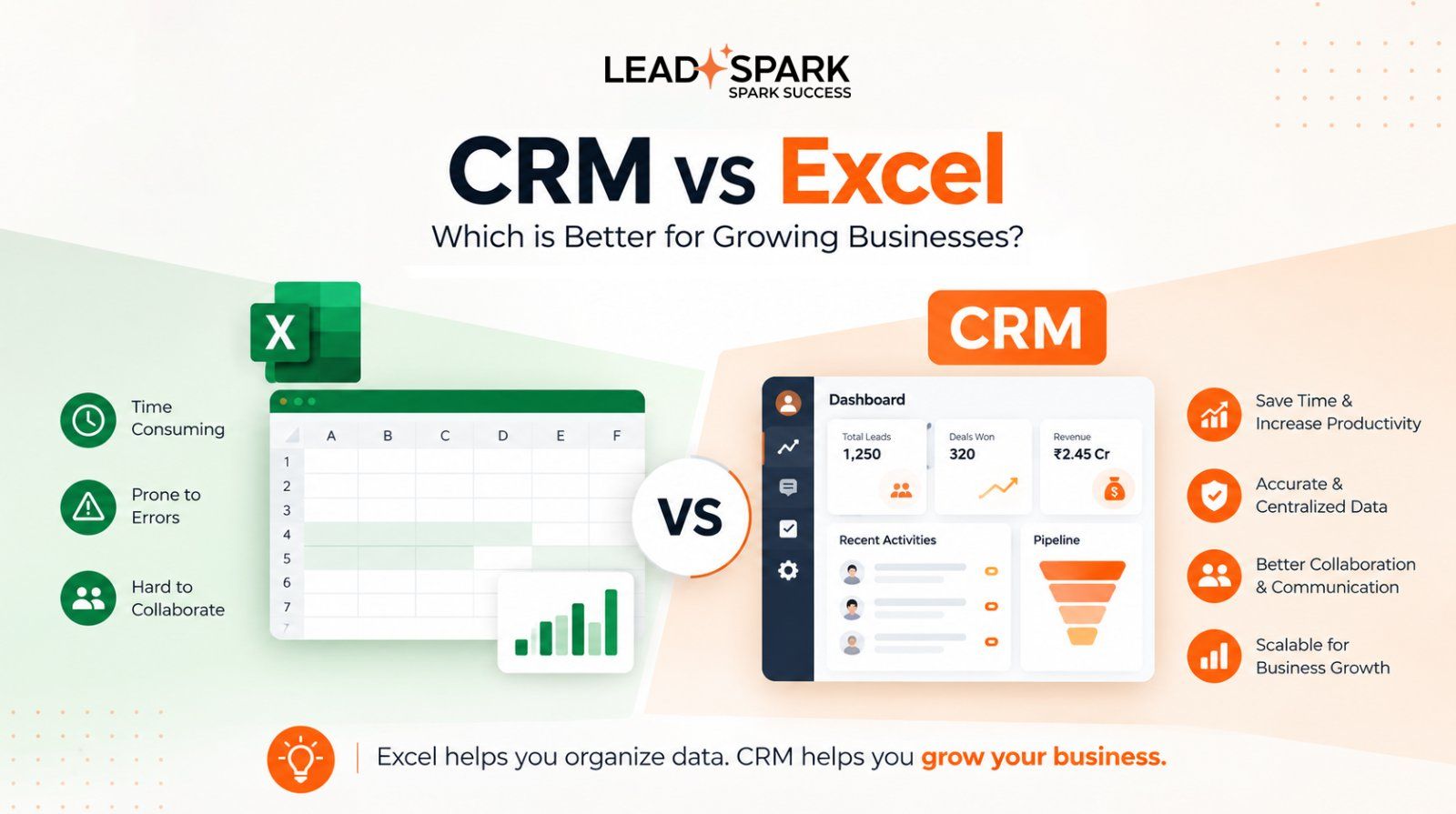
Excel is great for storing data. But it was never built to manage leads.If enquiries come in from several places, more than one person is working on them, and the first to follow up usually wins the sale, a spreadsheet starts to hold you back. A CRM for lead management is built for exactly that situation.
Excel vs CRM: the key difference
Excel records what happened. A CRM helps you decide what happens next: it captures leads, assigns them, reminds your team and shows you what’s working.
For a handful of leads and one person, Excel is fine. As lead volume, team size and follow-ups grow, a CRM starts earning its place.
6 reasons to replace Excel with a CRM
1. Manual entry slows your response
Someone has to copy every lead from Facebook, Instagram, your website and WhatsApp into the sheet. By the time that’s done, the prospect has moved on. A CRM captures every enquiry from your campaigns automatically, so your team can call while the interest is still fresh.
2. Excel can’t remind you to follow up
A spreadsheet can store a follow-up date. It just can’t do anything about it.
Here’s how it usually goes. A buyer asks for a callback on Friday. Your salesperson plans to call Monday, but five new enquiries land over the weekend and the note slips down the sheet. By Wednesday, the buyer has signed with someone else. Nobody said no. The call simply never happened, and nothing in the file warned you.
A CRM schedules the follow-up, sends the reminder and keeps overdue leads in view.
3. Shared sheets get overwritten
When several people edit the same file, rows get sorted wrongly, deleted or duplicated, and you can’t tell who did it. Good lead management tools give each person their own access level and log every edit with a name and timestamp.
4. You can’t see which source brings buyers
Counting leads is easy. Finding out which campaign produced paying customers takes filters, formulas and a lot of patience. A CRM with source reporting shows conversions by campaign, so your ad budget goes where it actually works.
5. Nobody clearly owns each lead
In a spreadsheet, ownership is just a name in a column, so leads get skipped or called twice. A CRM assigns each lead to one person and notifies them straight away.
This matters a lot in real estate, where buyers take weeks to decide and two brokers can easily call the same enquiry. Real estate lead management software keeps every enquiry, site visit and follow-up in one place.
6. Your team spends time on admin instead of selling
Updating rows, hunting for the latest file and fixing broken formulas doesn’t bring in revenue. A
CRM handles the routine so your team can talk to prospects.
What to look for in a lead management CRM
Whichever tool you compare, check for these five things:
• Automatic lead capture from Facebook, Instagram and your website, so no enquiry waits for manual entry
• Follow-up scheduling, so every lead has a next step and a date
• Role-based access and an audit trail, so you control who sees what and can trace every change
• Source and campaign reporting, so you know which campaigns deserve more budget
• Clear pricing and unlimited leads, so costs stay predictable as you grow
LeadSpark is one tool built around these points. It’s based in Ahmedabad, so if you’re a Gujarat business that prefers a walkthrough in person or support in your own language and time zone, you can talk to a team nearby rather than a ticket queue overseas.
The real cost of staying on Excel
Excel is free to use, but it isn’t free to run.
Say you spend ₹30,000 a month on ads and get 100 leads. That’s ₹300 per lead. Lose five of them to slow replies or missed follow-ups, and ₹1,500 of your ad spend is wasted every month.
For comparison, LeadSpark starts at ₹500 a month for one user and ₹1,000 a month for three users, with unlimited leads on both. These numbers are only an illustration, not a forecast, and a recovered lead isn’t the same as a closed deal. Still, if one extra sale in a year earns you more than ₹6,000, the one-user plan has already paid for itself.
When to switch, and how
It’s time to switch when:
• you get more leads than one person can track
• two or more people work on the same leads
• you run paid campaigns on Facebook or Instagram
And if you’ve already lost a lead to a missed follow-up, you’re a little late.
Moving over takes minutes:
1. Move your active leads first. Old enquiries can follow later.
2. Connect your lead sources. In LeadSpark, you grant Meta access, add your Form ID and campaign name, and your Facebook and Instagram lead sync automatically.
3. Add your team and set roles. Log in as admin, invite colleagues and decide who sees what.
Want a safety net? Run the spreadsheet alongside the CRM for a week, then retire it.
Conclusion
Every enquiry is money you’ve already spent to get. What happens in the next few hours decides whether it becomes a customer or a missed chance.
Excel can store your leads. A CRM helps you win them.
Ready to move beyond spreadsheets? Start your free trial with LeadSpark and give every lead a clear next step.