Links are not yet activated.
Is this your press release? Add a link to submitpr.org on your website and verify it — activation is instant and free.
Or upgrade once for permanent activation (from $19.95, pay with crypto).
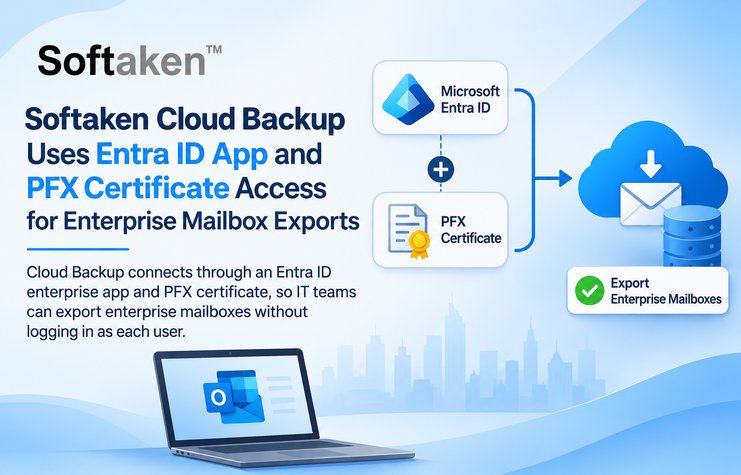
NEW DELHI, India — November 14, 2026 — Softaken Software has detailed how Cloud Backup connects to an organization through an Azure AD / Entra ID enterprise app and PFX certificate access. The setup lets administrators export mailboxes for many employees without signing in as each user.For teams running Office 365 that want to archive dozens of mailboxes, the decision can be a tough one. They can harvest passwords, or they can ask each employee to log in. With Cloud Backup, there are no fees for enterprise setup. You approve access once for the tenant and the application reads the mailboxes via that app and not via individual user sessions.
There are two ways to begin. Automatic Setup only requires one Microsoft login. Manual Setup is for teams that complete the app registration themselves. They’re stored as an Enterprise profile either way, and administrators with multiple tenants keep one profile per tenant.
Authentication is done using a PFX certificate. When prompted by the setup, the administrator imports the PFX file into the Windows user certificate store on the computer that runs the job, and then saves the Enterprise settings. A Test Connection step then checks Graph and app access before a large job begins.
If the test fails the most common causes are a missing or expired certificate, the wrong tenant or an unfinished app registration. The fix is to re-import the PFX file, save the Enterprise settings and test again. A sign in loop or consent error is usually a sign that app permissions are not yet approved by an administrator.
“Certificate based access changes the conversation with security teams. The question stops being whose password to use and becomes which app has been approved and what it is allowed to read,” said a Product Manager at the company.
Once the connection passes, mailboxes can be added from a CSV file, typed in or found with Discover. The application marks each one as Available, Not found or Inaccessible, and up to two mailboxes run at the same time while the others queue. Each result is saved in its own folder under the organization. PST exports can include contacts, calendar items and tasks when the app holds Graph roles such as Contacts. Read, Calendars. Read and Tasks.Read.All, and mail only backups still run without them. The same application also handles IMAP backup, including multi accounts jobs for several mail services, and Office 365 mailboxes through a single user sign in.
Availability
Cloud Backup is offered for 64 bit Windows. The installer includes everything it needs, so no .NET runtime has to be added first. Users who want to test the connection flow can start with the demo edition, which handles one mailbox and roughly 10 messages in each folder. The organization jobs described here belong to the full edition, and its seats are managed from the license screen.
About the Company
The company develops utilities for people who work with large mail archives. Its catalog includes converters between mailbox formats, such as MBOX to PST, along with backup software for IMAP and cloud mailboxes.
Media Contact
Company: Softaken Software
Website: https://www.softaken.com/cloud-backup
Email: support@softaken.com